1Talk in your own AI app
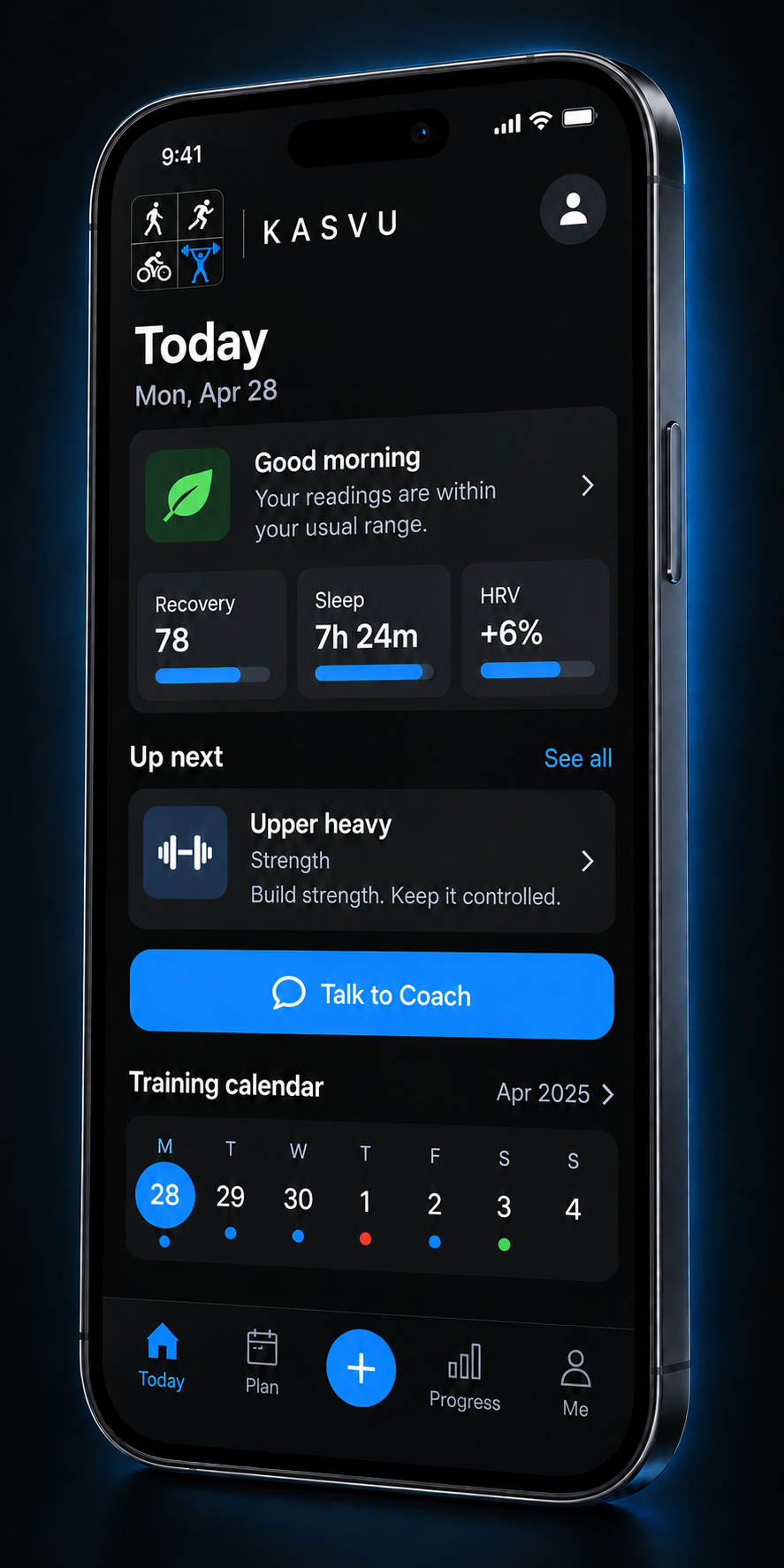
Connect Kasvu to Claude or ChatGPT. Talk to Coach opens your chosen app, where you can discuss your training and ask for a change.
Context for the conversation
Your connected assistant can read your training data and use Kasvu's training guidance. Tell it what you want to work toward and what fits your schedule.
Connection instructions →Review the proposal
A suggested activity or program arrives in Kasvu for your decision. Asking your AI for a plan does not activate it.
A day or a whole program
For an added activity, choose Add it or Not today. For a program, review its validation and changes against your current plan before choosing Accept & activate or Reject.
Train and see your progress
Start an accepted activity from Today or Plan. Record your session, then open its details to see what you completed.
Details that fit the activity
Log weights, sets and reps for lifting. Track time, distance and available heart-rate data for endurance sessions, with GPS routes for outdoor activities. Review your training in Progress.